You walk past your battery rack after a long evening of discharge, and one cable, or more often one connector, is clearly warmer than everything else. Should you worry? Sometimes not: a power cable carrying 80 A gets warm, that is physics. Sometimes yes: a localised hot spot on a connection is the first sign of a problem that will not fix itself. This guide helps you tell the difference, find the cause and choose the right fix.
A cable that is evenly warm along its whole length under heavy load is normal. A connector or lug clearly hotter than the cable is not: it is almost always excessive contact resistance (loose connection, faulty crimp, generic connector, oxidation). Remove the load, let it cool, inspect, and replace the cable or connector at fault. A cable that is hot along its whole length is undersized for the real current.
What is normal, and what is not
Every conductor carrying current warms up a little, in proportion to the square of the current and to its resistance. A correctly sized 25 mm² cable under high, sustained current can feel warm to the touch. What matters is where the heat is and how it changes.
| What you notice | Interpretation | Urgency |
|---|---|---|
| Cable slightly warm along its length after heavy discharge | Normal heating | None |
| Cable hot along its length, insulation softening | Cable undersized for the current | High: reduce the load and replace |
| One connector or lug clearly hotter than the cable | Contact resistance too high | High: switch off, inspect, replace |
| One battery module warmer than the others, its cables too | That module takes more current (unbalanced wiring) | Medium: review the wiring |
| Brown marks, deformed plastic, smell of heat | Overheating already advanced | Immediate: switch off, do not put back in service |
If you see melted plastic or smoke, or smell burning, switch off the inverter, open the battery switches and do not touch the connections until they have cooled completely. Do not put the system back in service before replacing damaged parts. If in doubt, call a professional.
The 6 most common causes
1. A loose connection
This is cause number one. A lug on an M8 stud tightened "by hand", or whose tightness has relaxed with thermal cycling, no longer presses firmly on the terminal. The real contact area shrinks, resistance rises, the connection heats, the metal expands and contracts even more: a vicious circle. On an Amphenol connector, the equivalent is a plug that is not fully engaged, whose latch never clicked.
2. A faulty crimp
A lug crimped with a hammer or an unsuitable tool looks solid but leaves voids between the strands. Under high current, it is often the hottest point of the whole installation. A correct crimp is made with a hydraulic press and a hexagonal die matched to the cable section.
3. A generic connector
Some connectors sold on marketplaces copy the shape of an Amphenol SURLOK Plus without its tolerances or contact plating. They lock, but with play, and their contact resistance is higher. We explain how to recognise them in our article original vs generic Amphenol connectors.
4. A cable that is too thin
If the whole cable heats up, not just its ends, the section is too small for the real current. This often happens when a bank is expanded without changing the main cables to the inverter, or when 16 mm² was used "because it fitted". See our guide on cable section (AWG / mm²).
5. Unbalanced wiring
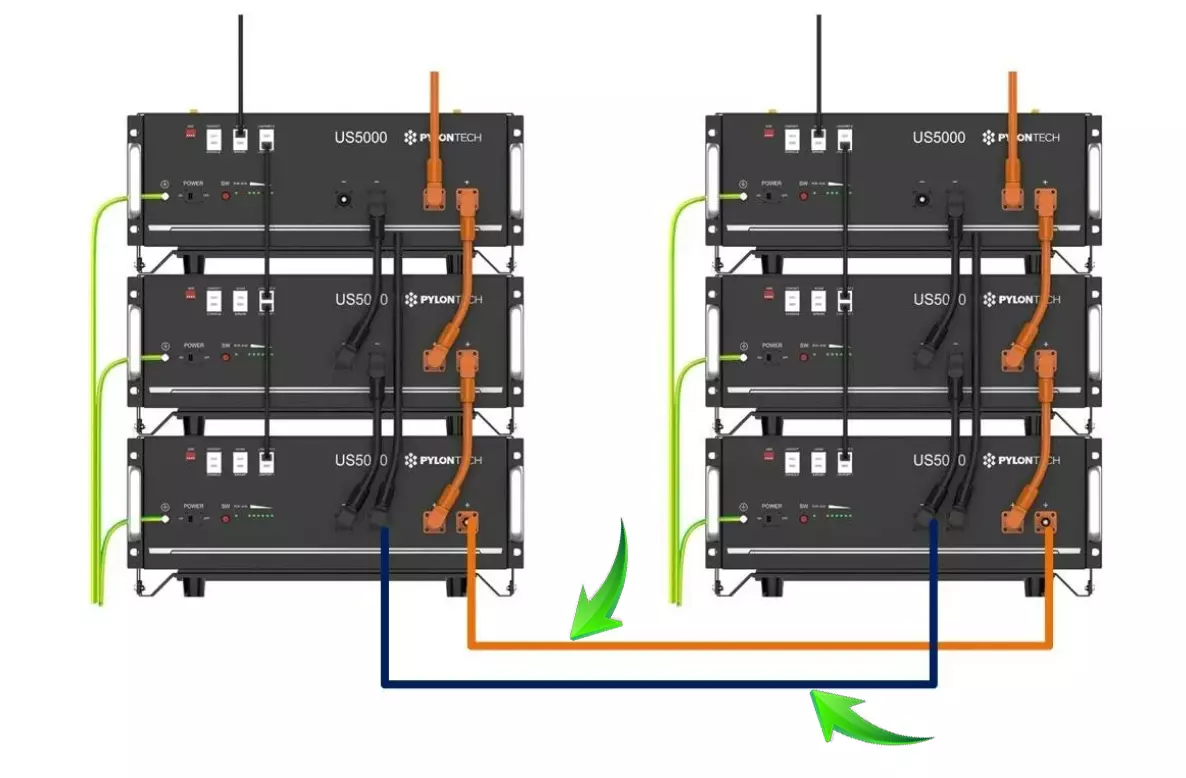
In a daisy-chained bank where the inverter connects to the first battery, that battery and its cables carry far more current than the others. Result: it is always the same battery, and the same cables, that heat up. Equal-length links and cross-connection (positive on the first battery, negative on the last) solve most of the problem.
6. Oxidation and dirty contacts
In a damp garage or an unheated outbuilding, contact surfaces oxidise over time. A thin oxide layer is enough to raise resistance. Tinned copper cables and quality connectors resist this much better than bare copper.
How to find the hot spot
- By touch, carefully: after a sustained discharge, lightly touch the cable insulation and connector bodies with the back of your hand (never bare metal). Compare the links with each other.
- With an infrared thermometer or thermal camera: the most reliable method. Measure during a heavy, steady discharge. A connector clearly hotter than the others at equal current is suspect.
- With a clamp meter: measure the current on each battery's positive cable. Large differences point to unbalanced wiring or a resistive connection.
- Visually, when cold: with the batteries off, look for discoloured insulation, deformed plastic, a connector that moves, a lug that turns on its cable.
Take a thermal photo, or write down temperatures, right after installation. Six months later, repeat the same measurement in the same conditions: a connection that has gained a few degrees more than the others should be retightened or replaced before it becomes a problem.
Solutions, from simplest to most complete
- Retighten: with the batteries off, retighten the lugs to the torque specified by the battery or inverter manufacturer. Check that every Amphenol connector is fully engaged (latch click).
- Replace the connector if it has play, heat marks or is a generic one. We sell genuine Amphenol connectors, but a connector must be crimped with the right tooling.
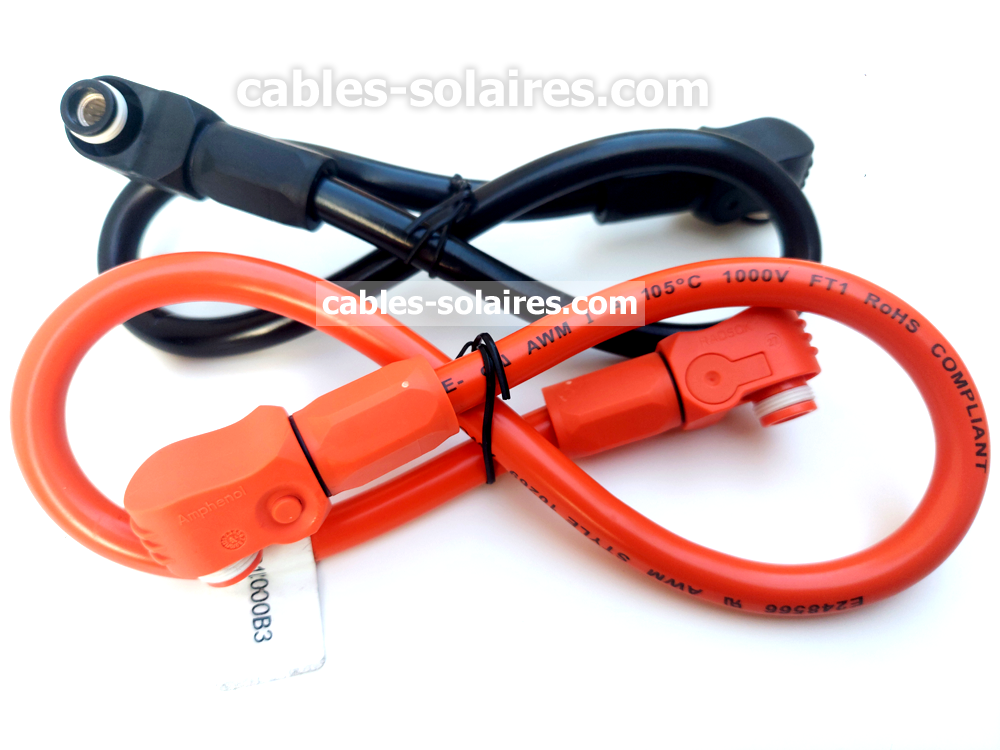
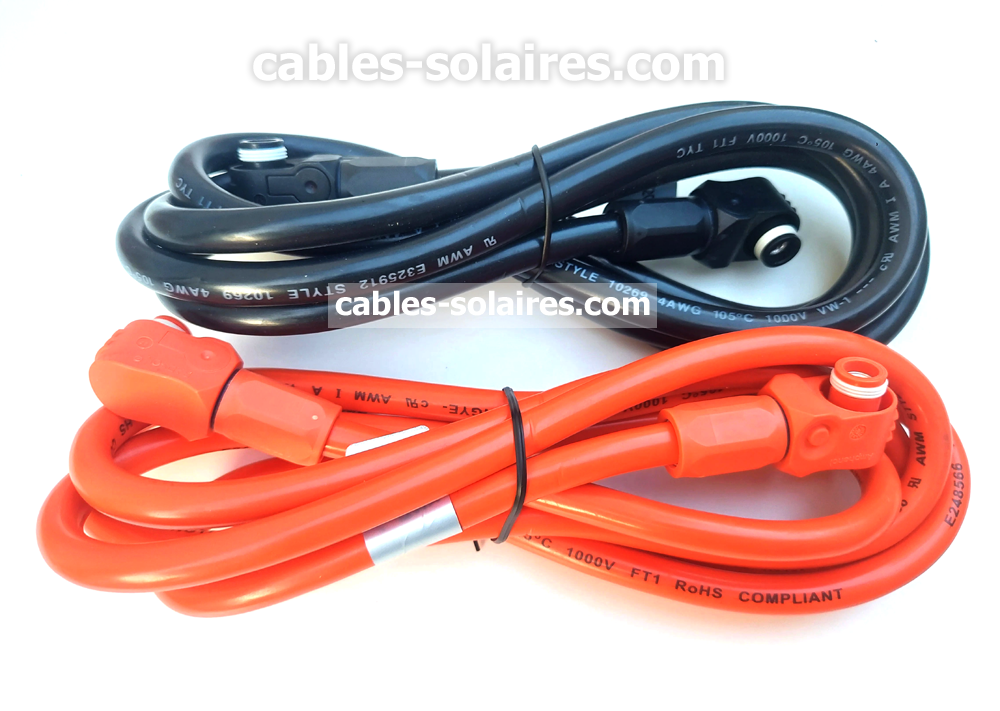
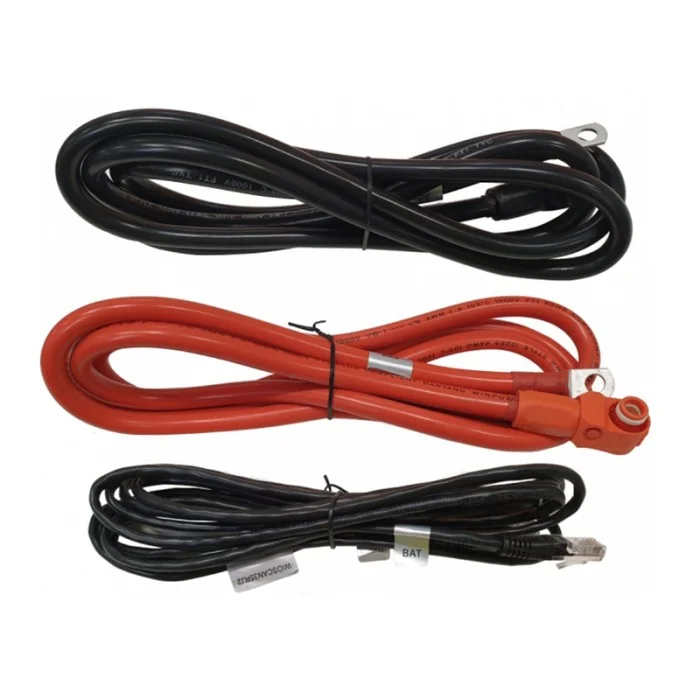
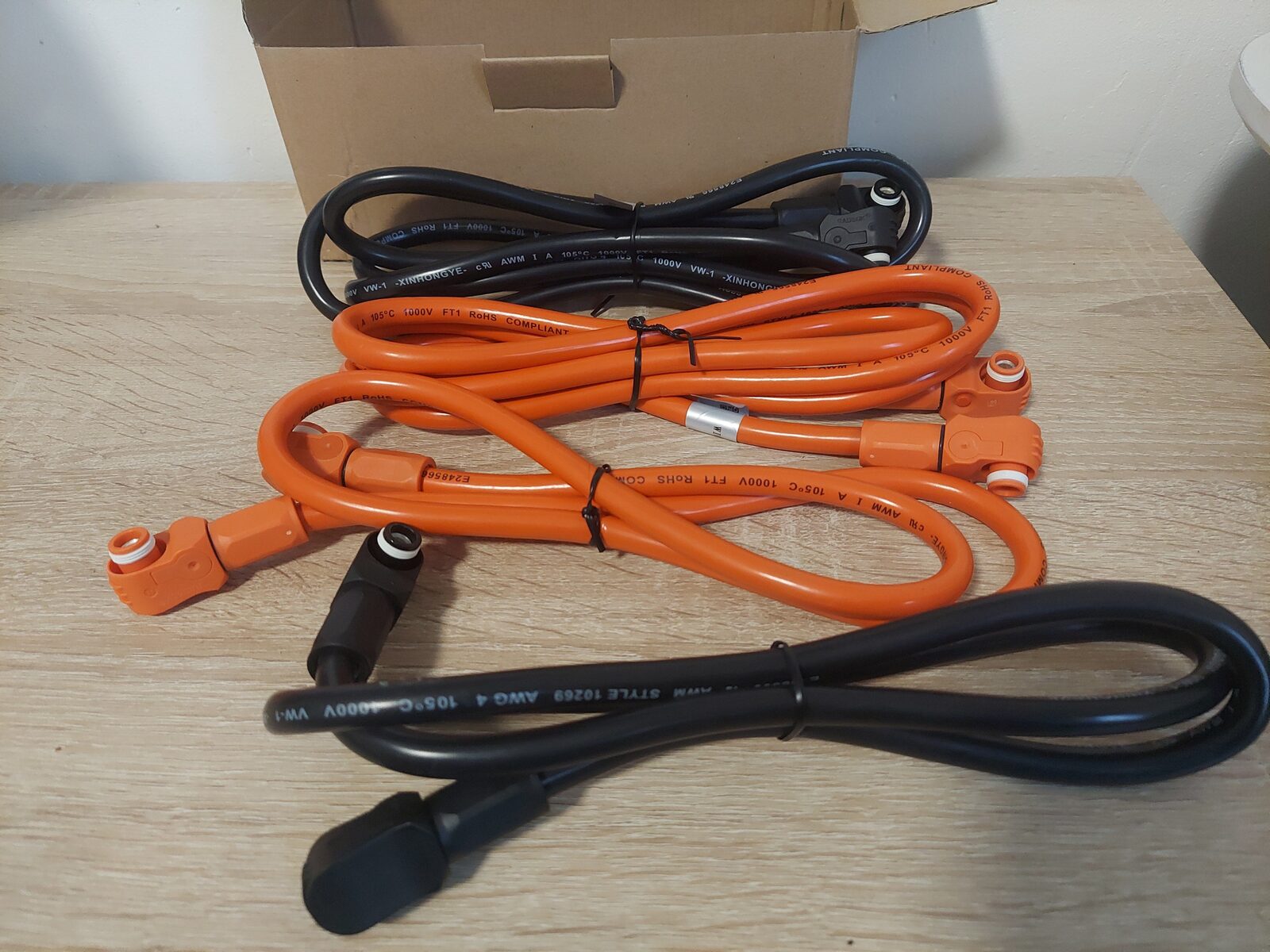
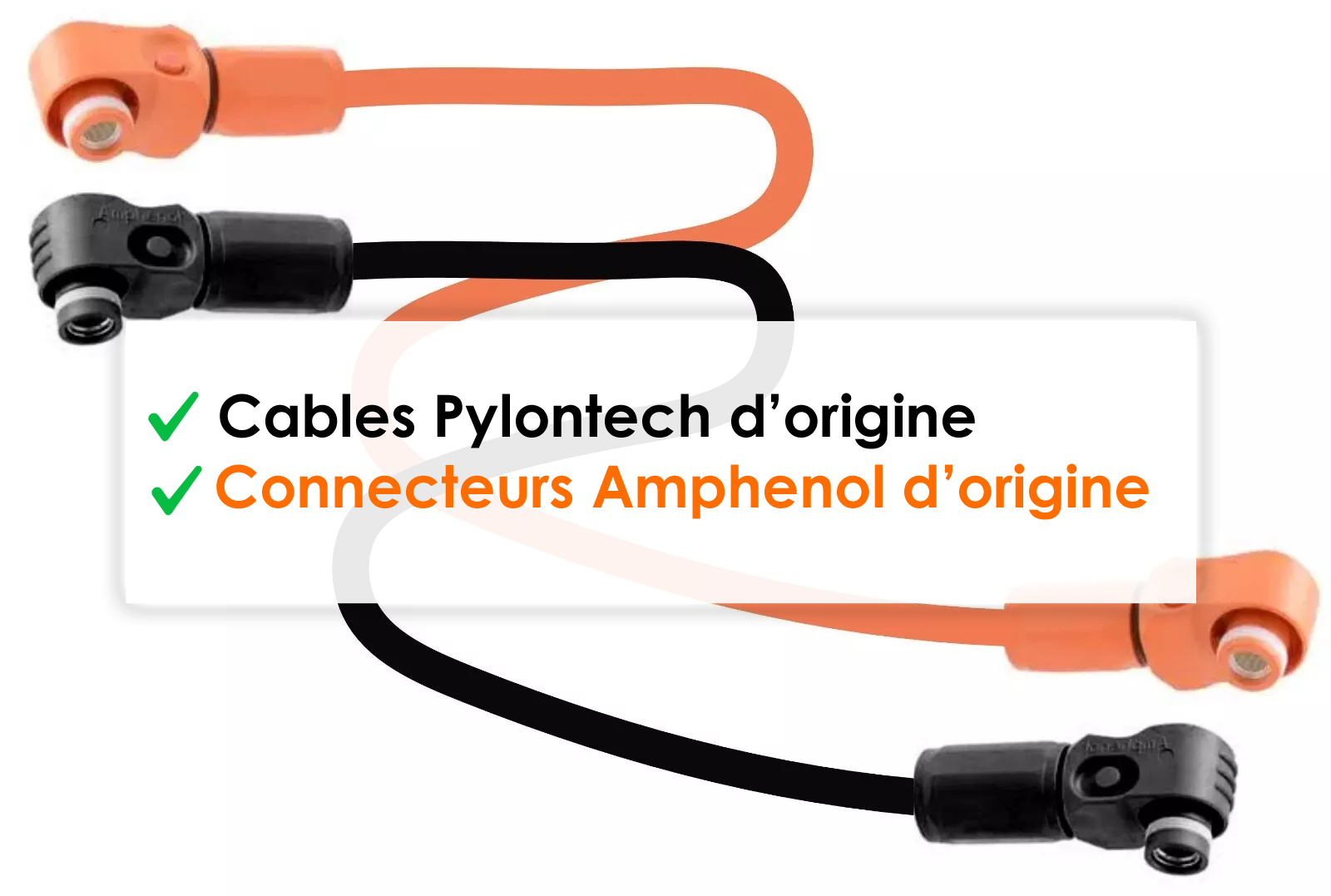
- Replace the cable: often the safest and cheapest solution, because a cable that has overheated may have lost contact and insulation quality. Our 48 cm, 70 cm, 1 m and 2 m parallel cables are 25 mm² with genuine Amphenol SURLOK Plus connectors, crimped with a hydraulic press. If only one cable is at fault, single cables are also available.
- Review the wiring: equal-length links, cross-connection, or even a busbar for a large bank. Our guide how many Pylontech batteries in parallel details these layouts.
- Resize the main cables to the inverter if the bank has grown.
Cables that stay cool
25 mm² tinned copper, genuine Amphenol SURLOK Plus Radsok connectors, hexagonal hydraulic crimp, assembled in France.
Prevention is better than cure
- Use cables of sufficient section (25 mm² minimum between 48 V modules), in tinned copper.
- Insist on genuine connectors and hydraulic crimping.
- Check tightness a few weeks after installation, then once a year.
- Keep the rack ventilated, away from moisture and dust.
- Do not pull on cables: enough length avoids stress on the connectors.
- Monitor module temperatures over time: a device such as the Pylon-Monitor records the temperature of each Pylontech battery and lets you spot a module that runs warmer than the others.
Frequently asked questions
Is it normal for a battery cable to be warm?
A cable slightly warm along its whole length under heavy load is normal. A connector or lug clearly hotter than the cable, or a cable hot enough to soften its insulation, is not.
Why is it always the same battery that heats up?
Usually because it is the closest to the inverter in a daisy-chain layout and takes more current than the others. Equal-length links and cross-connection fix this.
Can a connector that has overheated be reused?
It is better to replace it. Heat degrades the contact plating and sometimes the insulation; even retightened, it may heat up again.
What is the maximum temperature for a battery cable?
It depends on the cable insulation (stated by the manufacturer) and on the connectors. In practice, no cable or connector should be hot enough to be uncomfortable to touch in normal operation.